
5 Best AI Image Generation Prompts for ChatGPT and Gemini to Create Stunning Images
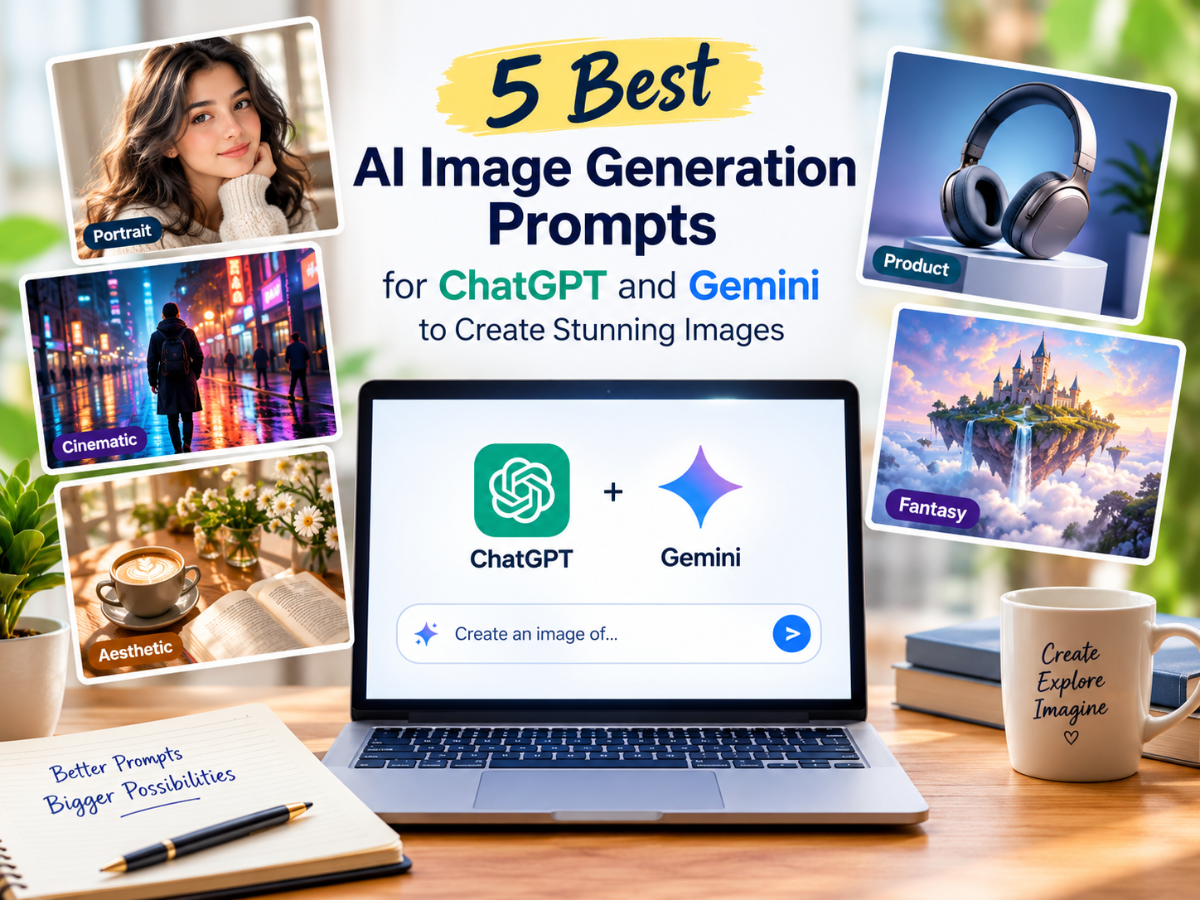
AI image generation has made it easier than ever to turn creative ideas into eye-catching visuals. Whether you want to create realistic portraits, cinematic scenes, aesthetic photographs or professional product images, tools such as ChatGPT and Google Gemini can help bring your imagination to life.
However, the quality of an AI-generated image often depends on how you write the prompt. A clear description of the subject, lighting, background, composition and visual style can make a significant difference to the final result.
If you are looking for inspiration, here are five of the best AI image generation prompts for ChatGPT and Gemini that you can copy, customise and use to create stunning images for social media, personal projects, blogs and more.
1. Realistic Portrait Photography Prompt
“Create a highly realistic professional portrait of a person standing near a large window in a modern, elegant setting. Use soft natural daylight, realistic skin texture, detailed eyes, natural facial expressions and subtle shadows. Add a softly blurred background with neutral colours. Use professional portrait photography, a portrait-lens look, balanced composition and lifelike details. Keep the image clean, sophisticated and photorealistic, with no unnecessary objects or text.”
Best for: Profile pictures, digital portraits, personal branding and social media posts.
Pro tip: If you are generating an image based on your own photograph, upload the reference image where supported and specify which features, clothing or background you want to preserve or change.
2. Cinematic AI Image Generation Prompt
“Generate a cinematic, ultra-detailed image of a person walking through a rain-soaked city street at night. Reflect colourful neon lights across the wet pavement, with atmospheric mist, dramatic side lighting and realistic reflections. Use a moody colour palette, deep shadows and a professional movie-still composition. Create a sense of depth with a softly blurred background and sharp foreground details. The final image should look like a frame from a high-budget cinematic production, with no visible logos or unwanted text.”
Best for: YouTube thumbnails, storytelling, creative posters, digital art and dramatic social media visuals.
Pro tip: Experiment with phrases such as “golden-hour cinematography,” “film-grain texture” or “dramatic backlighting” to explore different cinematic moods.
3. Aesthetic Social Media Photography Prompt
“Create a stylish, aesthetic lifestyle photograph featuring a beautifully arranged coffee cup, an open book and fresh flowers on a wooden table beside a sunlit window. Use warm neutral tones, soft morning light, gentle shadows and a minimal, uncluttered composition. Include realistic textures, delicate highlights and a calm, cosy atmosphere. Use editorial lifestyle photography with a natural colour grade and subtle depth of field. Make the image elegant, inviting and suitable for a premium social media feed. Do not add text, watermarks or logos.”
Best for: Instagram posts, Pinterest content, lifestyle blogs, mood boards and creative projects.
Pro tip: Choose a consistent palette, such as beige and cream, pastel pink, earthy green or warm brown, when creating multiple images for the same page or campaign.
4. Professional Product Photography Prompt
“Create a premium commercial product photograph of a sleek wireless headphone displayed on a minimalist pedestal in a modern studio. Use controlled studio lighting, realistic material textures, crisp edges and subtle reflections. Add a sophisticated gradient background with complementary colours and enough negative space for optional advertising copy. Make the product the main focal point, with sharp details, balanced shadows and a polished e-commerce photography style. Avoid extra objects, distorted shapes, watermarks and unnecessary text.”
Best for: E-commerce concepts, product advertisements, marketing mock-ups, promotional graphics and brand presentations.
Pro tip: If you are showcasing an actual product, upload a clear reference image and ask the AI tool to preserve its shape, colour and distinctive design. Always verify the final image against the real product before using it in a commercial listing.
5. Fantasy and Surreal AI Art Prompt
“Create a breathtaking fantasy landscape featuring a magnificent floating island above a sea of clouds, surrounded by towering waterfalls and glowing crystalline structures. Add a distant ancient castle, soft beams of sunlight, and tiny birds flying through the mist. Use rich atmospheric depth, intricate environmental details, realistic water effects, and a harmonious colour palette of blue, violet, and gold. Blend cinematic fantasy concept art with highly detailed digital painting. Make the scene immersive, magical and visually balanced, with no text, logos or watermarks.”
Best for: Fantasy artwork, wallpapers, story illustrations, gaming concepts, and creative experimentation.
Pro tip: Give the AI a clear visual direction by combining a subject with a mood, such as “mysterious and atmospheric,” “dreamlike and peaceful,” or “epic and adventurous.”