
Always-on AI agents can run errands. Here’s how to start
PHOENIX (AZFamily) — Most people use artificial intelligence (AI) by typing a question and getting an answer. But a new kind of AI assistant, called an “always-on” AI agent, works differently. You give it a task one time, and it keeps working on that task, even after you close the app.
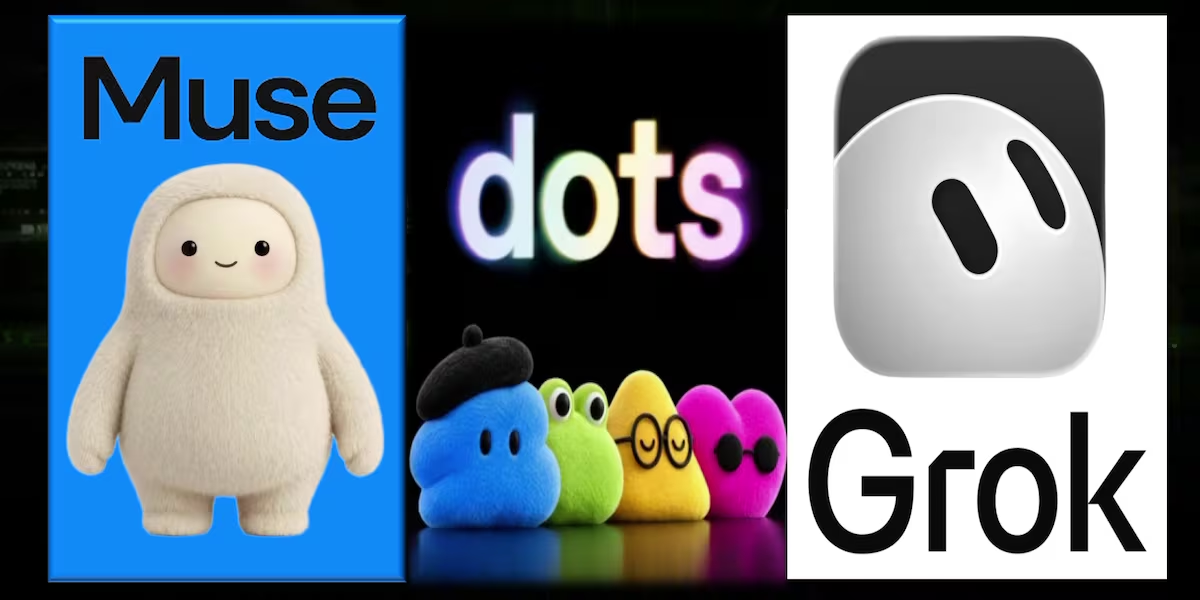
Meta’s Muse, OpenAI’s Dots and xAI’s Grok Bot are making these digital helpers available to everyday people. Each assistant uses its own computer on the internet, also called the cloud. This lets it visit websites, check prices and finish tasks without needing you to guide every step.
“You basically give it a job,” said Francisco Cervera, a data scientist and co-founder of AI Launch, a company that makes AI agents for businesses. He explained that if you have something you want done regularly over time, the agent will keep doing it for you.
Ask once, get results every day
Cervera likes to use email as an example. You can tell an AI agent to give you a short summary of your emails every morning at 7 a.m. You only have to ask once, and it will do the job every day. You can also change its instructions later. For example, you can tell it to ignore emails from a certain person or leave out unwanted messages, called spam.
He also uses an AI helper he calls a “social bot.” Every Wednesday, it sends him an email with a list of things he could do in Scottsdale that weekend. He tells the bot which activities he likes and which ones he doesn't like. The bot remembers his choices.
Cervera told Generation AI that the bot slowly changes its suggestions to better match what he enjoys. That means its recommendations get better as time goes on.
Start small
For these AI agents to help you, they need permission to use some of your accounts, such as your email. Cervera understands why giving an AI access to personal accounts might feel unsafe.
He said it can be frightening for someone who has never used this kind of technology before. But you don't have to give an AI agent full access right away.
He suggests starting with “read-only” access. This means the AI can read your emails and make summaries, but it cannot write or send emails for you. Later, you can let it write draft messages that you check and approve before they are sent. You can give it more control when you feel ready.
Cervera compared this to moving a lever. You can move it little by little to decide how much control you want the AI agent to have.
Some AI agents also have apps that work directly on your computer. For example, they can organize the files on your desktop. These tools can also take your written ideas and turn them into real, working apps and websites.
What works and what doesn’t
Meta says its Muse assistant can help with many different jobs. It can cancel subscriptions you forgot about, search Facebook Marketplace for good deals, challenge medical bills that were denied, keep track of your pet's medicine, collect price estimates for home improvement projects, watch airplane ticket prices and create a trivia game made especially for your family and friends.
Arizona's Family looked at reviews from people who had used these features. Users generally gave good reviews to the tools for canceling subscriptions, getting price estimates for home projects and watching flight prices.
We could not find any reviews of the trivia game or pet medicine features. We also found no reports from people who had personally used Muse to challenge a medical bill. However, some users said they had successfully used it for other customer service problems. Muse can also make automated phone calls, called robocalls, for you to help deal with customer service. But this feature is still being tested, in a stage called beta, and most people cannot use it yet.
There are also limits to what Muse can do when shopping. Amazon has stopped Muse from buying things on its website. But other stores, including Chewy, seem to allow it to make purchases.
The feature that searches Facebook Marketplace has received the most mixed reviews. In September, a YouTuber from Canada said Muse gave his home address to a buyer, agreed to sell something for much less than the asking price and set up a late-night pickup at his house. He said all of this happened without him knowing. He explained that part of the problem was his choice of permission settings. When the AI asked for permission to do the task, he clicked “Always Allow” instead of “Allow One Time.”
How to get started
Cervera recommends beginning by downloading one AI agent made for everyday users and connecting it to your email account. He says you should spend time learning how it works and feeling comfortable with it before adding more AI agents.
He said many people are interested in using AI agents but end up missing out because they feel too nervous and don't know how to begin.
If you aren't sure what to do next, Cervera suggests asking the AI agent itself for help.