
ChatGPT can now turn your images into GIFs with its latest update
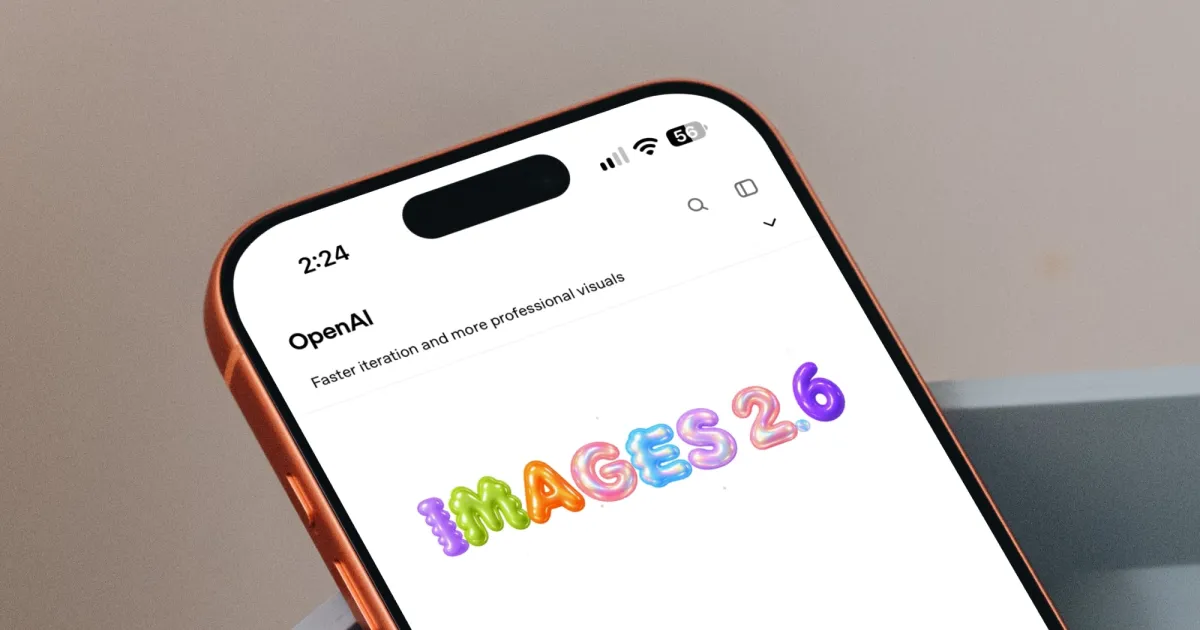
Static images are no longer the only thing you can create with ChatGPT. OpenAI's new Images 2.6 update adds GIF support to ChatGPT, Codex, and the API. This lets you turn your creations into short animations.
OpenAI says people create around 4 billion images every week across these platforms. That is more than half a billion images each day. With so many images being made, adding movement seems like a natural next step.
Turn a doodle into an animated character
For me, GIF support is the most exciting feature in this update. Marketers can make a brand mascot move for an advertising campaign. Online sellers can create product photos that play over and over. Social media users can also make their own reaction GIFs and memes.
Images, upgraded—introducing ChatGPT Images 2.6.
— OpenAI (@OpenAI) November 4, 2026
Now with GIFs and reference images.
Plus, two new models are coming to the API with 50% faster image generation. pic.twitter.com/kcuOhTipYR
Animators can also plan how characters move by creating animated storyboards before making a video. You do not need a finished design to begin. Even a simple doodle is enough for ChatGPT to turn it into an animated character for a video or game.
How much faster is Images 2.6?
OpenAI says the new model creates images 50% faster than the previous version. It also keeps characters, products, and brand details looking the same when you make several edits. This is important because AI tools sometimes change a character's face even when you make only a small change.
Developers can choose between two new models. GPT-Image-2.6 Flare is designed to work quickly. It can create an image in as little as six seconds when using its low-quality setting. It also does a better job of arranging posters and product images neatly. GPT-Image-2.6 Sunburst focuses on detail. It creates sharper images and keeps them looking consistent across edits when using medium- or high-quality settings.
The API also supports image markup. This lets developers highlight the exact part of an image they want to change. It can also export SVG files, which developers can use on websites, in apps, and in printed materials. A new complexity setting controls how much planning the model does before creating an image. Lower settings work well for small changes.
If you already use ChatGPT to make social media posts or product images, you can now turn them into animations in the same place. You can also get your images in half the time.