
Google opens Workspace AI agent tools with new controls
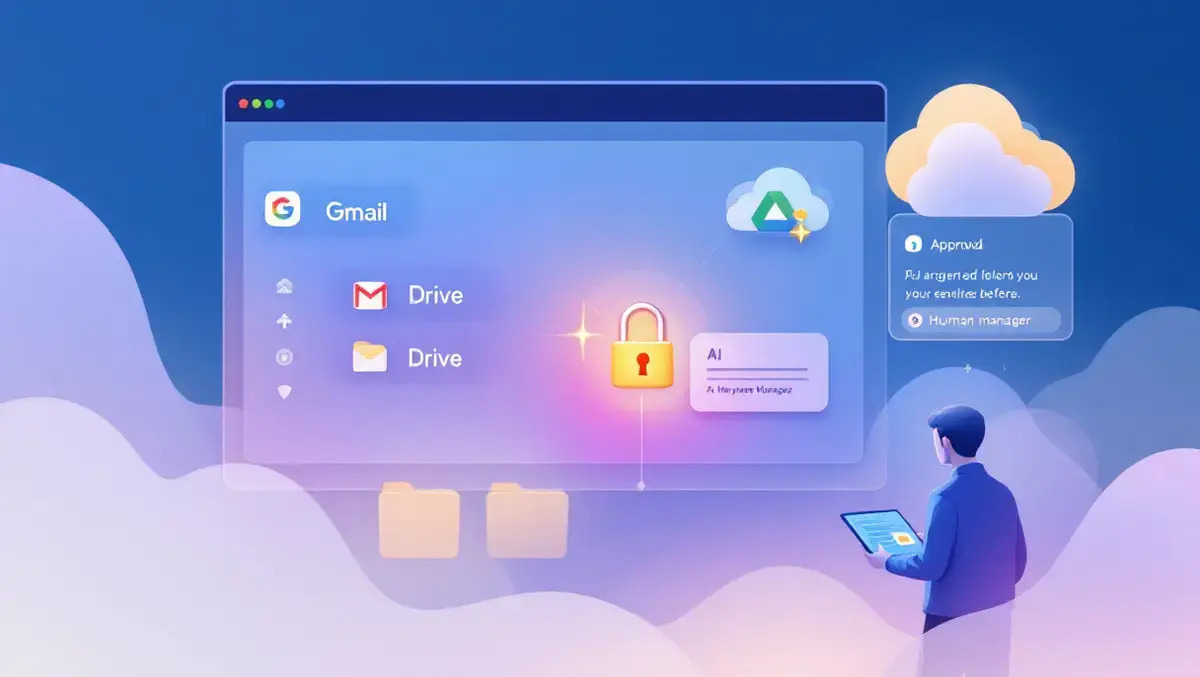
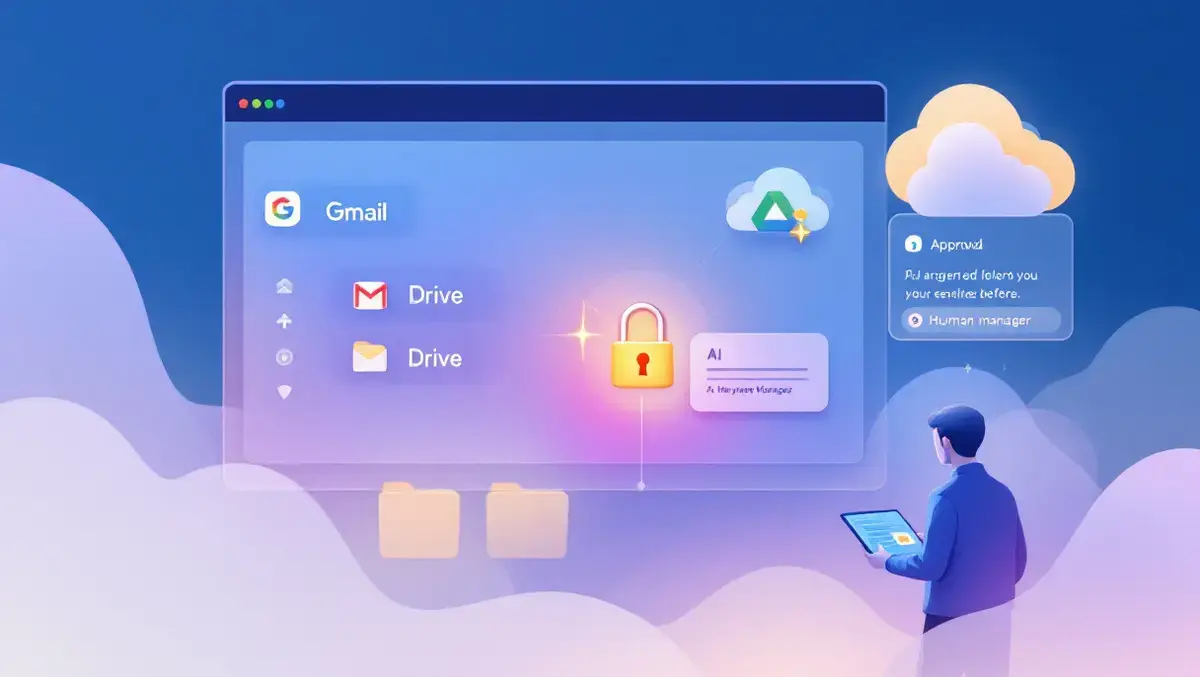

Google has made its Workspace MCP servers and Workspace CLI available for everyone to use.
The release also includes Google Cloud Agent Gateway and a shared set of rules and controls for AI agents working across Google Workspace and Google Cloud.
This is Google's latest step toward making its software and security systems work better with AI agents. These agents can carry out tasks on their own in email, files, documents and cloud systems. Google said older ways of connecting apps, which use OAuth tokens to give access, were made for apps controlled by people. They were not designed for AI agents that work continuously and can perform tasks at computer speed.
Google is now giving developers special tools to build AI agents that connect to Gmail, Google Drive, Docs, Sheets, Slides, Calendar, Chat and Tasks. The Workspace CLI is also available for everyone. It lets AI agents work on local computers, run tasks through a command-line terminal and automate work.
For Google Cloud users, Google has introduced Agent Gateway. This tool manages communication involving large language models (LLMs), MCP and Agent2Agent systems using their own communication rules. According to Google, it checks each agent's identity against Agent Registry, follows rules about who can access what, blocks outgoing connections unless they are allowed and checks requests using Model Armour.
Changes to the rules
An important part of Google's announcement is a change to the rules for AI agents using Workspace APIs, which are tools that let software connect to Workspace services. Under the new Workspace AI Tools Addendum, AI agents must use Workspace MCP servers or the Workspace CLI instead of the older REST APIs.
Google plans to start enforcing this rule through its technology on February 1, 2027. This gives developers time to move their AI agents to the new tools. Google said every request made through these tools will be checked against the organisation's Workspace access permissions, rules that stop sensitive data from leaking and labels that show how sensitive information is.
These controls are meant to make sure that security rules, limits on data access and checks requiring a person's approval are built directly into the way requests are handled. Regular apps that are not AI agents can keep using the existing REST APIs.
Google explained why these changes matter by pointing to how much activity already happens through its systems. According to the company, Workspace APIs now handle more than 2.8 trillion requests each month. Public Google Drive API traffic is now more than 2.5 times as high as it was in 2022. More than 18 billion requests to read information from Drive now come from API users every day.
Agent identities and human oversight
Another part of the update focuses on giving AI agents their own identities. In Workspace, agents that connect to services must use their own OAuth client IDs and request only the access permissions they truly need. Google will also introduce limits on how much agents can use the services and will start charging for usage on April 1, 2027.
In Google Cloud, each agent gets its own Agent Identity in Agent Registry instead of sharing access keys that stay valid for a long time. These identities must follow rules about who can access what. They also have usage limits set at the organisation, folder and project levels. When an agent needs to access Workspace email or files, it can use permission that a person has given it.
Some tasks will also need a person to approve them directly. In Workspace, MCP servers and the CLI require users to clearly confirm an action before an AI agent sends an email, changes who can share or access files in Drive, or makes many edits at once. In Google Cloud, security rules can require multi-factor authentication, which means an extra identity check, or approval from a person before an agent reads sensitive Cloud Storage buckets, changes identity and access management (IAM) permissions, or changes important systems used in real operations.
Limits on data access
Administrators can use the admin console to see which AI agents have access, check what they have done and remove their access. Users will soon be able to check what agents have been doing and stop them from accessing their emails and files. In Google Cloud, tools including Security Command Centre, Agent Observability, Cloud Audit Logs and Wiz can help watch for unusual activity.
Google said it plans to add more restrictions to protect sensitive information. In Workspace, upcoming AI access restrictions will extend existing protections against data leaks and protections that encrypt data on the user's device to AI agents. These changes will let administrators and users stop agents from opening certain Gmail messages or particular files and folders in Drive.
Google also explained how AI tools using Workspace APIs are allowed to handle data. According to the company, the new terms do not allow tools to keep raw data permanently, use the data to train AI models, keep information created from the data for longer than allowed, or collect API data by repeatedly extracting it. Google said information created from the data and users' own data must be deleted within a set period and when a user disconnects the tool.
Google said it has protected 4 billion users and 13 million organisations in Workspace, as well as business and government systems running on Google Cloud. The company also said it blocks more than 99.9% of spam, phishing attempts and harmful software across these systems.
Google said that as AI agents move beyond simply reading information and begin taking actions on their own, at computer speed, across emails, documents, datasets and cloud systems, having a valid access token is no longer enough to keep those systems safe.