
This Gemini hack in Android Auto is so good that I stopped using everything else
I have tried many apps, voice commands, and clever tricks to get more out of Google's in-car system.
But one Gemini feature has completely changed how I use Android Auto. It works with Google Keep.
This combination is simple but very useful. I now rarely use the other productivity features in Android Auto.
My best ideas come to me while driving
Good ideas rarely come at a convenient time
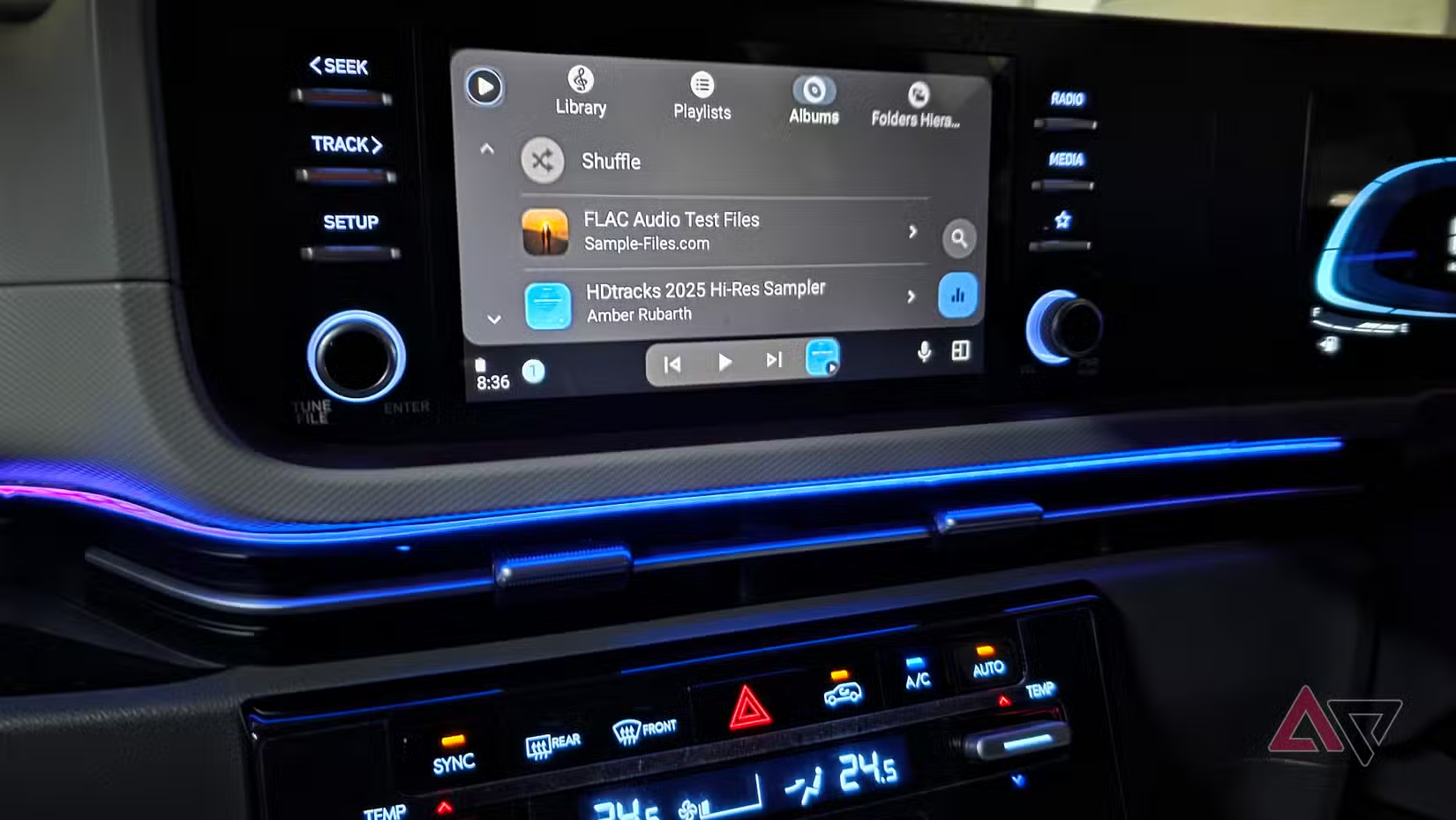
I don't know why, but some of my best ideas come to me when I am driving.
Whether I am stuck in traffic, driving on a highway, or going out to run a quick errand, my mind often comes up with new article ideas, interesting things to try, and creative ways to approach my next posts.
Sometimes, I even think of a complete article outline during a quiet drive.
The problem is that I cannot just take out my phone and start typing while driving.
And if there is one thing I have learned over the years, it is that I should never trust my memory too much.
By the time I reach my destination, I have often forgotten half of what I wanted to write down.
I have tried keeping ideas in my head and making an effort to remember important thoughts. Neither method worked well every time.
I needed a way to save my ideas right away without taking my attention away from the road.
That is when I started exploring how Gemini works with Google Keep in Android Auto.
I discovered Gemini's Google Keep feature
Saving ideas became very easy
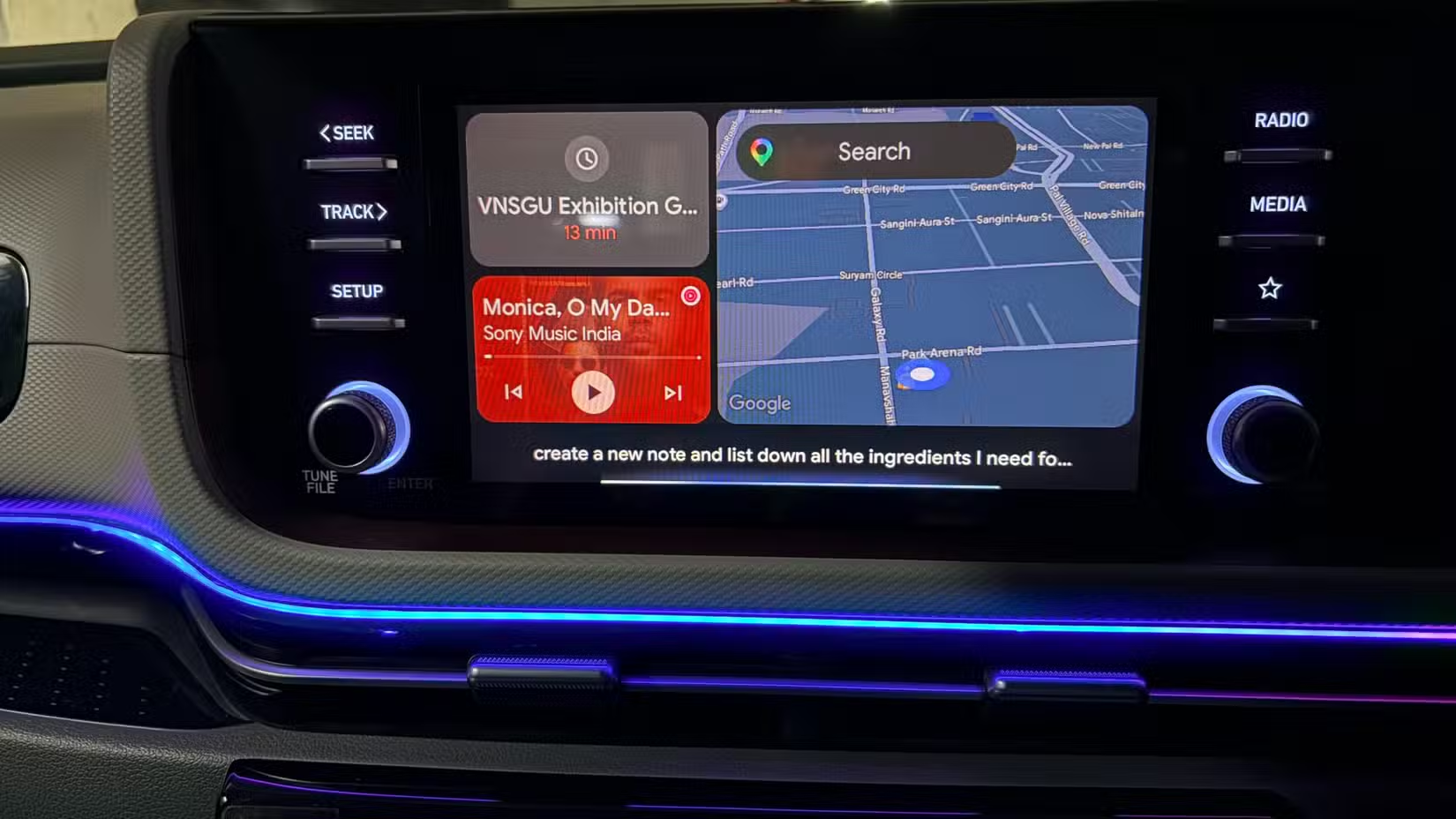
Setting it up was easy. I made sure Gemini was my default digital assistant and connected Google Workspace through Gemini's Connected apps settings.
Once everything was ready, I could press the voice assistant button on my steering wheel and ask Gemini to create a note in Google Keep.
I like how natural it feels. I did not need to remember special commands or open several menus.
I could speak normally, tell Gemini what I wanted to save, and let it do the work.
It was even better because everything automatically synced with Google Keep.
And I did not use it only to save article ideas. I soon started using it for many everyday tasks.
For example, one evening while driving home, I remembered that we needed to buy some groceries.
Instead of trying to remember everything, I asked Gemini to add milk, bread, vegetables, and a few other basic items to my Google Keep shopping list.
By the time I reached the supermarket, my list was already waiting on my phone.
Another time, I remembered a few things that needed fixing or buying at home. These included replacing a broken light and getting some accessories for my desk.
I simply told Gemini what I needed and asked it to save everything in a new Keep note.
I also found it useful when planning a weekend family trip. I could quickly make a packing checklist while driving.
These tasks are not anything special. That is exactly why I like this feature so much.
It does more than just save notes
My notes now help me get things done
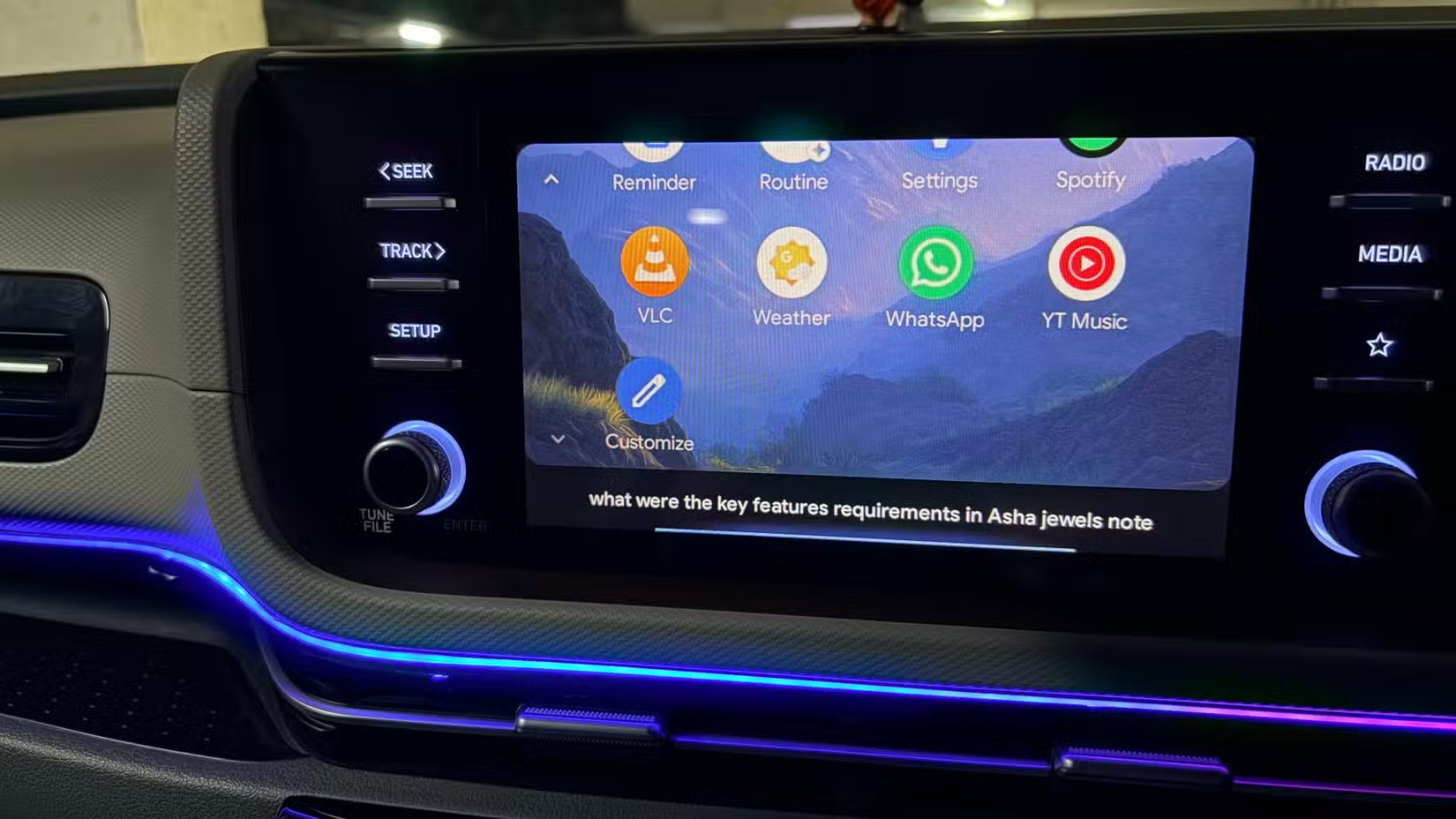
Gemini's connection with Google Keep is not limited to making notes and lists.
I can also ask it to find information in notes I have already saved, without touching my phone.
This makes it useful in many more situations, especially when I am driving.
For example, imagine that I saved a restaurant's address in Google Keep. Instead of opening the note myself, copying the address, and pasting it into Google Maps, I can ask Gemini to find the address in my Keep note and start navigation.
It can do all of this with just one voice command.
I can use the same method to find details in my travel plans, check information in a shopping list, or look up something important that I saved weeks ago.
This kind of smooth connection between apps makes Android Auto feel smart.
It is not perfect, but I really like it
A few problems do not ruin the experience
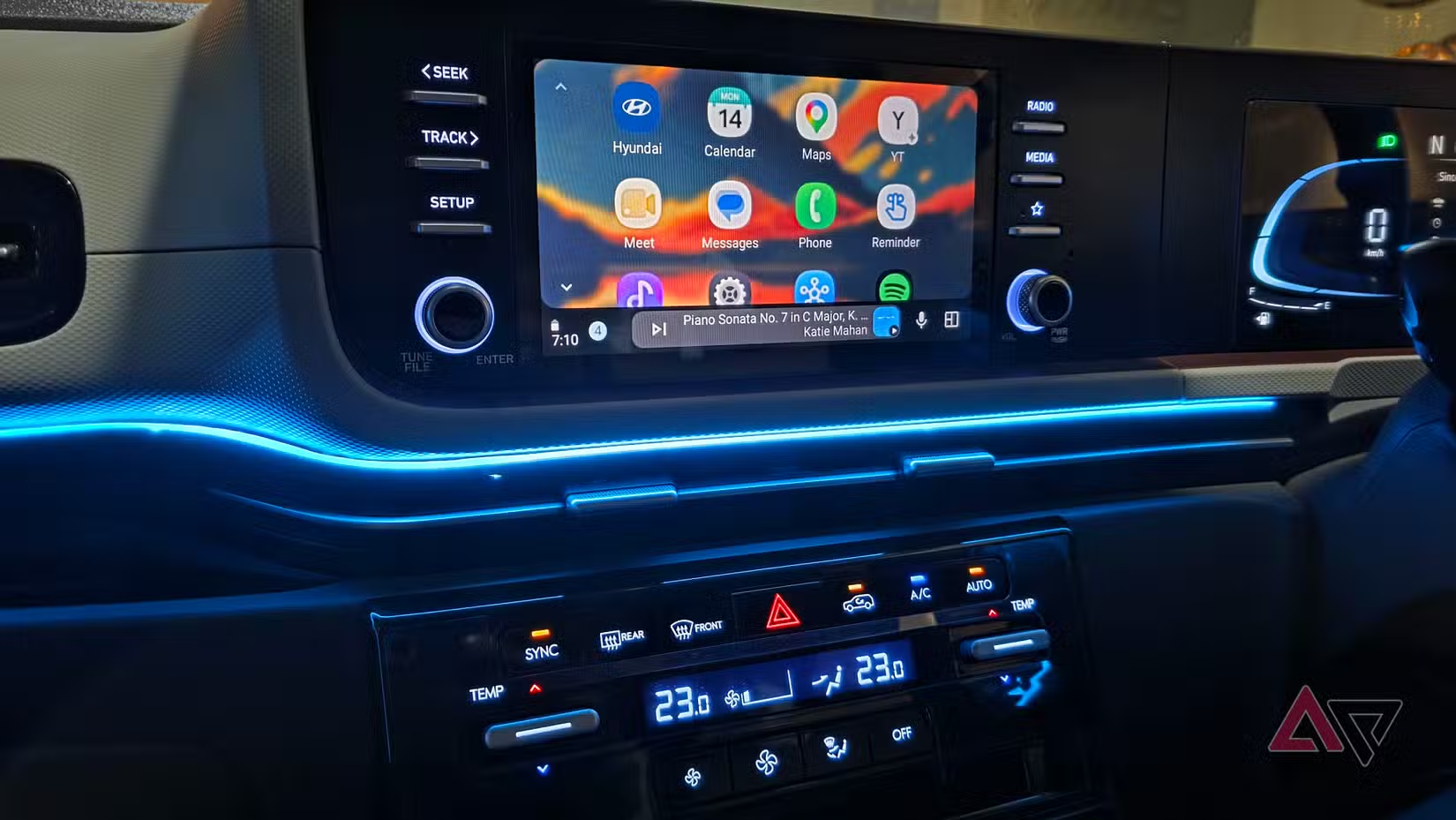
Like most features, this one does not work perfectly every time. Sometimes Gemini has trouble understanding me, especially when loud music, road noise, or several people talking inside the car make it hard to hear my voice.
A weak internet connection can also cause problems. This is especially true on long highway drives, where mobile coverage is not always reliable.
Sometimes I need to repeat what I said or use simpler words to get the result I want.
I also make sure to check important notes again after I have parked.
Even so, these small problems have not changed how much I like the feature.
A better way to save ideas
I have tried many Android Auto features over the years, but Gemini's connection with Google Keep stands out for all the right reasons.
It makes my everyday drives more useful and productive.
For me, this is easily one of the most overlooked productivity features in Android Auto.