
This Week: AI Glasses, Room Networks and Campus AV
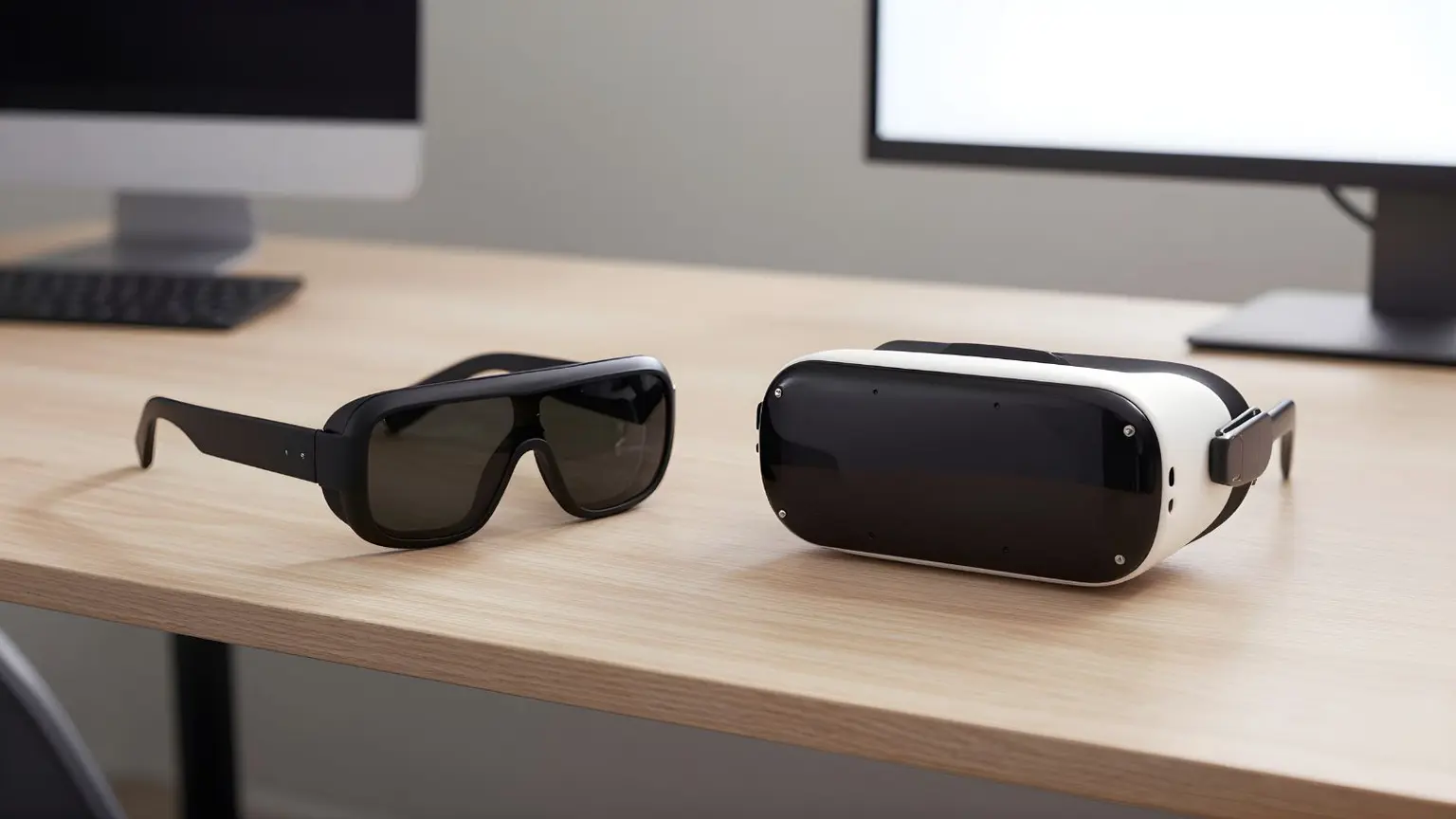
Workplace technology teams face more and more questions. What happens when employees bring AI devices with cameras into the office? How can meeting-room equipment work on tightly controlled networks? And how can large organisations provide the same experience in hundreds of rooms?
This week, we look at why Cortney Harding, founder and CEO of immersive technology consultancy Friends With Holograms, thinks employers should prepare for AI glasses. We also look at how Neat is tackling common problems when setting up meeting-room systems, and how the University of Manchester is making its audio systems more consistent across campus.
AI Glasses Make Workplace Rules Important
AI glasses are still rare in offices. But organisations should start planning for the time when employees begin wearing them to work, says Cortney Harding, founder and CEO of Friends With Holograms.
“People are going to start wearing these to offices in the next year or so,” Harding told UC Today.
“Companies need to start thinking not only of, ‘How do we proactively deal with this?’ but, ‘How do we reactively deal with this?’”
Samsung and Google’s smart glasses include a camera, microphones, speakers, access to Gemini and translation features. They are designed to look and feel suitable for everyday use. Harding said they are a better fit for office workers than for people in industrial jobs. However, she believes employers should think about how to handle them before many people start using them.
The questions are not just about whether a company buys the glasses. Bring Your Own Device (BYOD) rules may need to explain when recording is allowed in shared spaces, how people give consent, what data the glasses collect and how AI assistants can use company information.
Harding said that banning the glasses everywhere is not the right answer for most workplaces. “Any workplace that is reflexively banning these or restricting these at this point, unless there is a high, high, high level of confidentiality, is making a mistake,” she said. “We need to move away from bans … to actually figuring out, ‘How do we integrate and control these?’”
For IT teams, managing these glasses may eventually be much like managing another mobile device. For workplace leaders, the bigger challenge will be setting clear privacy rules before using the technology becomes normal.
Neat Adds New Ways to Set Up Room Devices
Neat has released NeatOS 26.6. The update adds automatic proxy discovery and manual IP pairing for its meeting-room devices.
The update gives IT teams two ways to make the devices work on enterprise networks with strict rules or separate network sections. When Web Proxy Auto-Discovery is turned on, a Neat device can use DHCP Option 252 to find and apply the organisation’s proxy settings. These settings cover outgoing connections to Neat Pulse, meeting-platform services, software updates and diagnostic tools.
Manual IP pairing is another choice when multicast DNS is not available or is not suitable. During setup, installers can enter the IP address of a Neat Bar or Neat Board directly into a first- or second-generation Neat Pad. They can then finish the usual secure pairing process.
For teams setting up collaboration devices on tightly controlled networks, these two new options could reduce the need for special network exceptions or multicast-based device discovery. The update also makes support for up to three Neat Center devices generally available. This gives larger rooms another way to improve how participants are framed on camera and how well their voices are picked up, beyond using just one device at the front of the room.
NeatOS 26.6 works with Neat devices used for Google Meet, Microsoft Teams and Zoom. The update reflects a common problem when setting up meeting rooms: network settings can decide whether a device can connect to the room it is meant to serve.
Manchester Uses the Same Audio Systems Across Campus
The University of Manchester is expanding its use of Sennheiser audio and conferencing equipment in teaching rooms, meeting rooms and event spaces. The university estimates that more than 1,000 products are now in use.
The university's Media Services team has 30 people and manages all this equipment itself. Almost every lecture theatre uses Sennheiser microphones. TeamConnect Ceiling microphones, TeamConnect Bars and SpeechLine Digital Wireless products are also used in meeting rooms and spaces for hybrid learning.
Alex Mckown, Senior Audio-Visual Engineer at the University of Manchester, said the university has replaced older systems with a model that does not require licences.
“With SpeechLine, we have moved to a licence-free model using lapel, handheld and boundary microphones,” Mckown said.
Mckown said TeamConnect Bars have become the university’s main choice for hybrid meetings in small and medium-sized rooms. Larger video-conferencing rooms use ceiling microphones with PTZ cameras. Sennheiser’s Control Cockpit software lets the support team check equipment across the campus remotely.
The project shows why using the same room designs across a large site can be useful. Standard equipment can make support easier, reduce differences between rooms and give staff and students a more consistent audio experience wherever they work.
In Other News
AVPro Edge has launched two HDMI 2.1 tools for professional audio-visual installations. Its new scaler and down-mixer are designed to connect 48Gbps, 8K and 4K/120Hz sources to displays and audio systems with different capabilities.
Google will require Android app developers to meet basic standards for foldable-device support from April 2027. Developers who do not meet these standards could see their apps become less visible or lose the ability to publish and update apps through Google Play.