
Claude helped me clean up my network, and it’s faster than ever
My home network has been getting overloaded for a while. I have set up my router the way I like it, but I haven't taken the time to run Ethernet cables to my office. This means most of my devices, including my main laptop, home server, Home Assistant virtual machine, and several ESP32 devices, depend on Wi-Fi connections that are not always reliable.
Things are even worse because months of setting things up and testing have left me with services and Docker containers that I no longer need. Their settings have also become difficult to manage. So one evening, I decided to let Claude scan my network and find things I could clean up. What it found was more helpful, and more worrying, than I expected.
I asked for a speed fix and got a security audit
It turns out that saying 'it's just my LAN' is not a good security plan
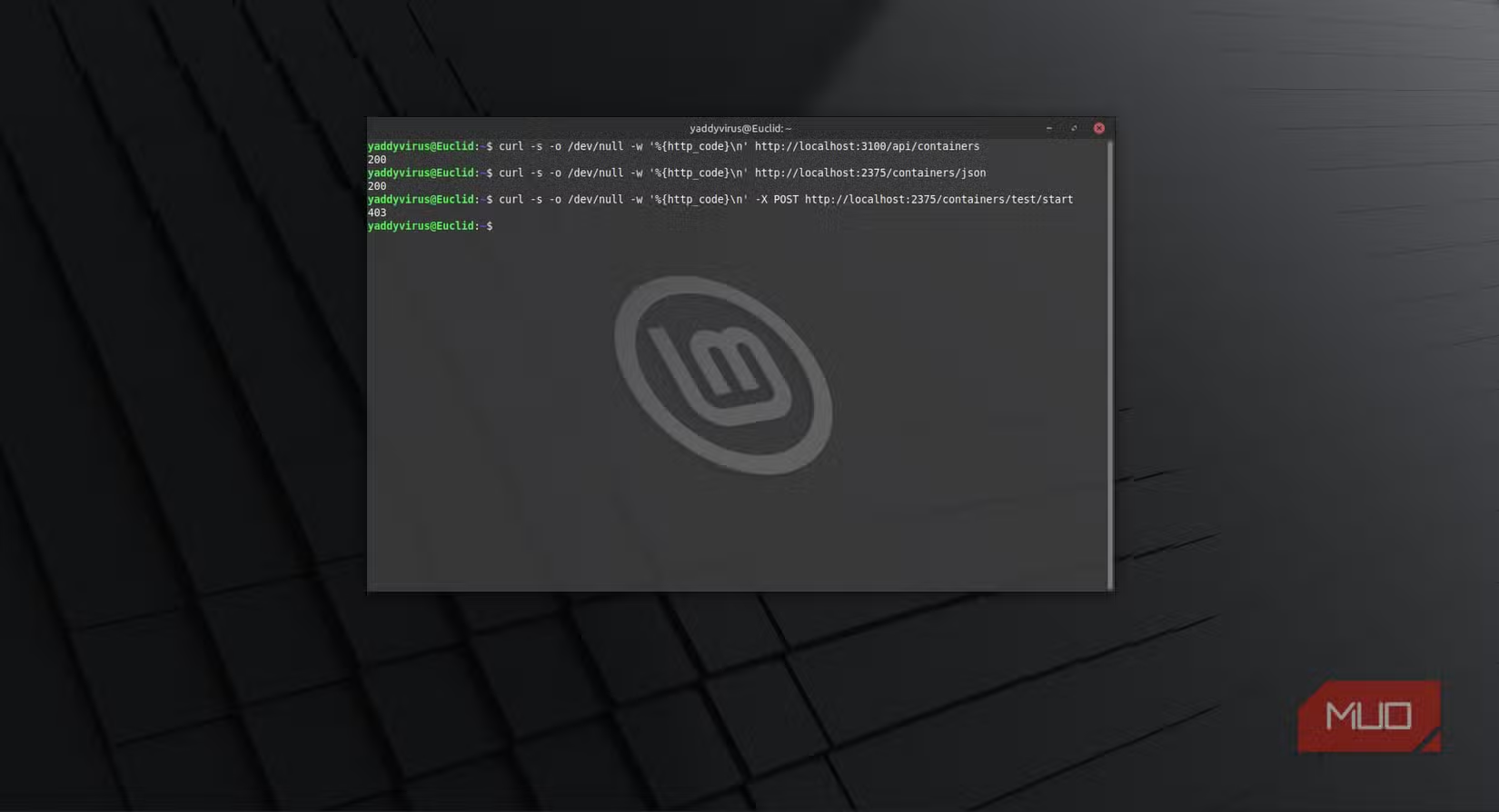
Claude's first suggestion was not about making my network faster. Instead, it gave me several ways to make my home server more secure.
First, it found that Dockhand, the tool I use to manage Docker on my server, answered requests without asking users to log in. Dockhand has full access to Docker. This means anyone else on my home network could see my containers and might even be able to manage them.
The Docker API on port 2375 was another problem. I use a read-only proxy so Home Assistant can check my containers. The proxy refuses requests to start or change containers. However, it still does not require a login. This means any device on my local network could read container settings, including passwords and other login details stored there.
Claude suggested allowing access only from Home Assistant's network address. This would keep monitoring working, unlike simply connecting the service to localhost, which would break it. This is better than leaving the API open to every device. However, Docker's own documentation recommends protecting the Docker service with TLS or SSH instead.
The useful part of this audit was that Claude did not simply tell me to close a port. It understood which services needed access and what they were used for, then suggested a reasonable way to limit that access.
Limiting access is not the last step, either. Claude also pointed out that I should change my Home Assistant tokens, app secrets, SMTP login details, tunnel tokens, and database passwords. It made me realize that I had been too trusting of my local network. That is especially risky because I share the network with my flatmates.
The biggest fix was a cable I've been avoiding
A long cable, a switch, and a job I kept putting off
I use Ethernet cables whenever I can. But since moving, I have not bothered to work out how to run a cable across the house. I would also need to put a network switch at the other end because several devices need wired connections.
This was an obvious suggestion. A wired connection is almost always faster and more stable than Wi-Fi, especially in an apartment building where many people have their own wireless networks. Ethernet gives devices faster and more consistent speeds on the local network. It also makes the connection more reliable, no matter how the router or computer is set up.
Average speeds hid the spikes, and the spikes were the problem
18 ms on average, 217 ms at the worst time, and a virtual machine that kept failing
Screenshot taken by Yadullah Abidi | No attribution required. Screenshot taken by Yadullah Abidi | No attribution required. Screenshot taken by Yadullah Abidi | No attribution required. Screenshot taken by Yadullah Abidi | No attribution required. Screenshot taken by Yadullah Abidi | No attribution required.
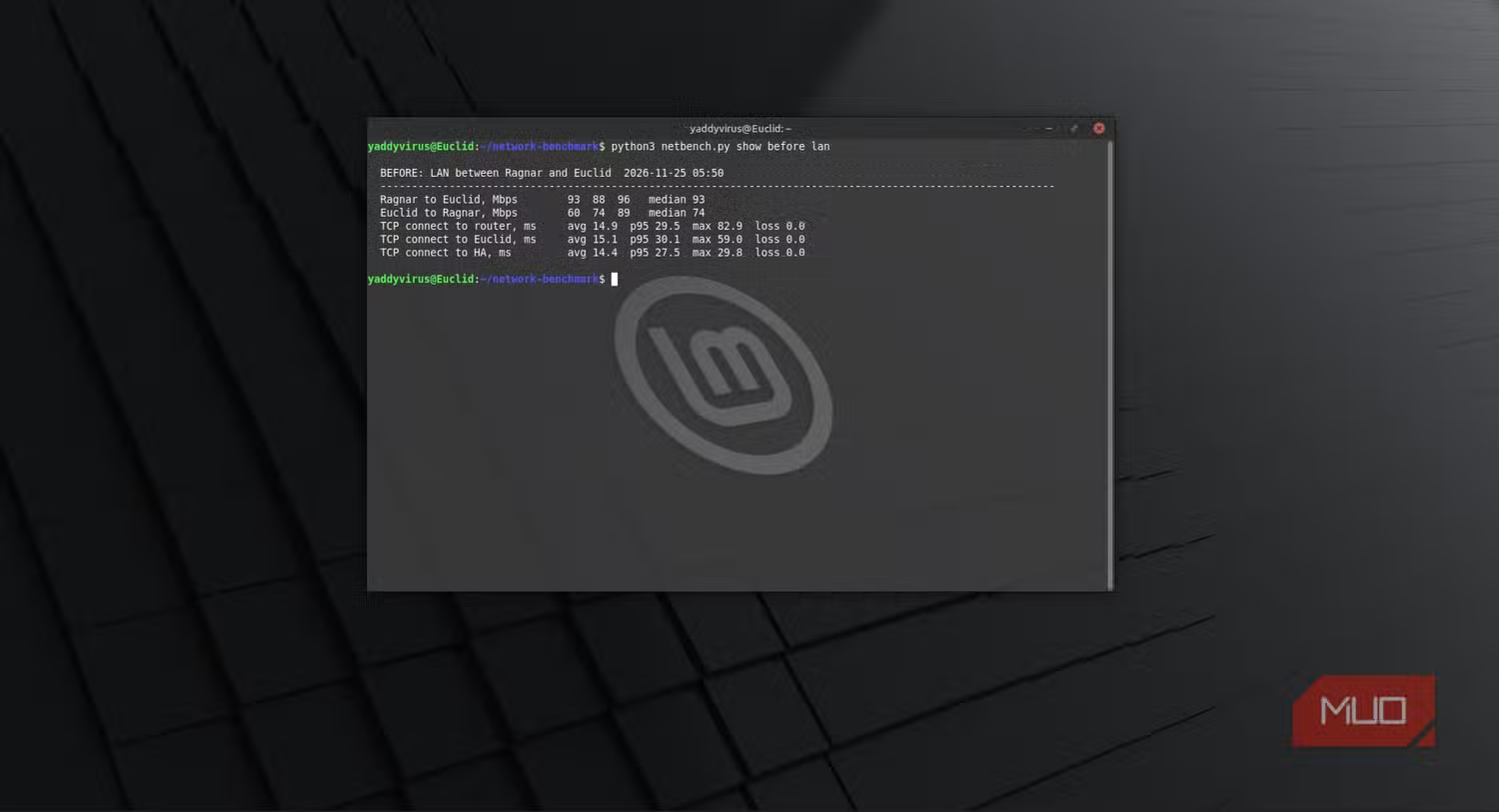
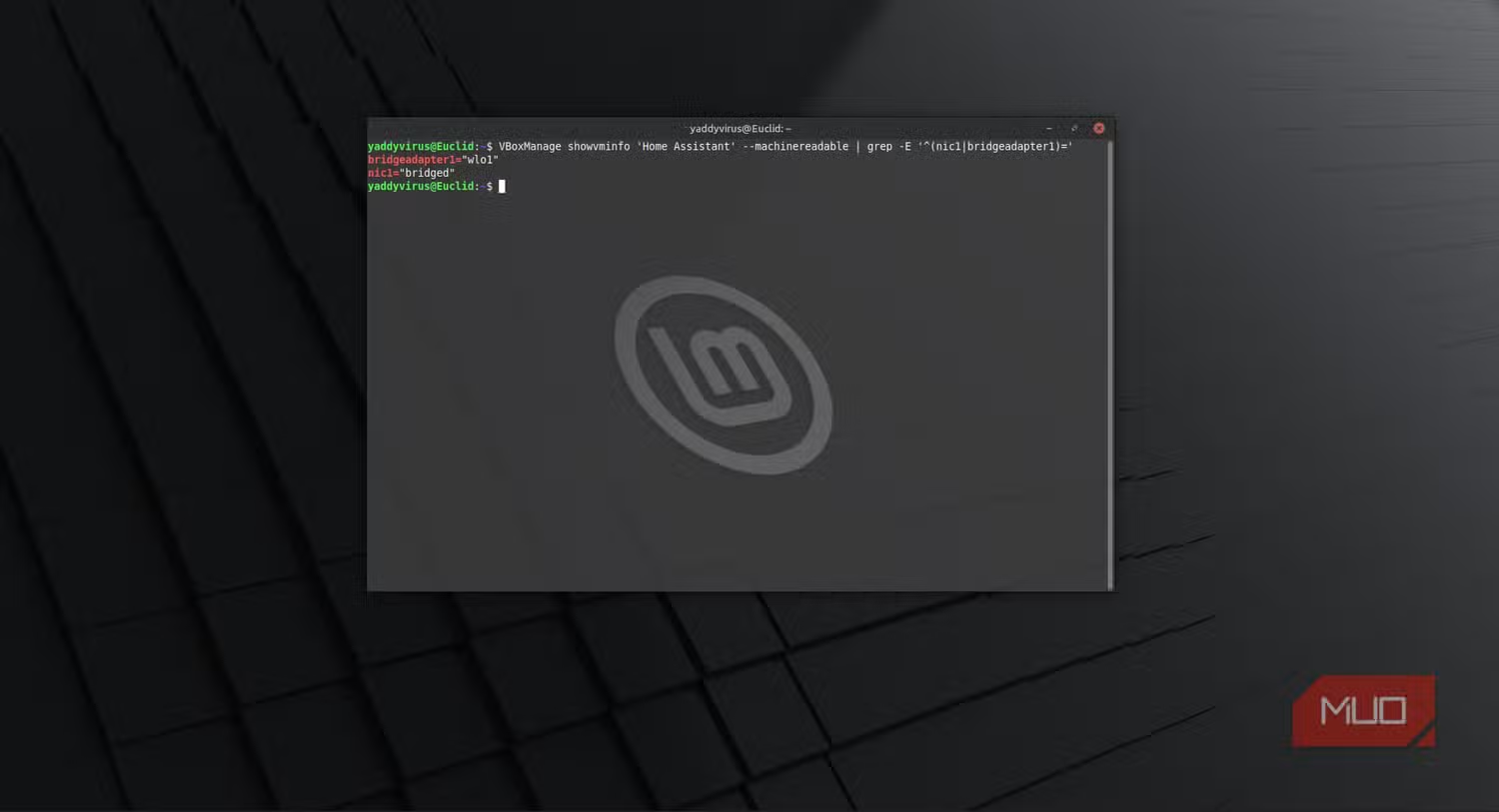
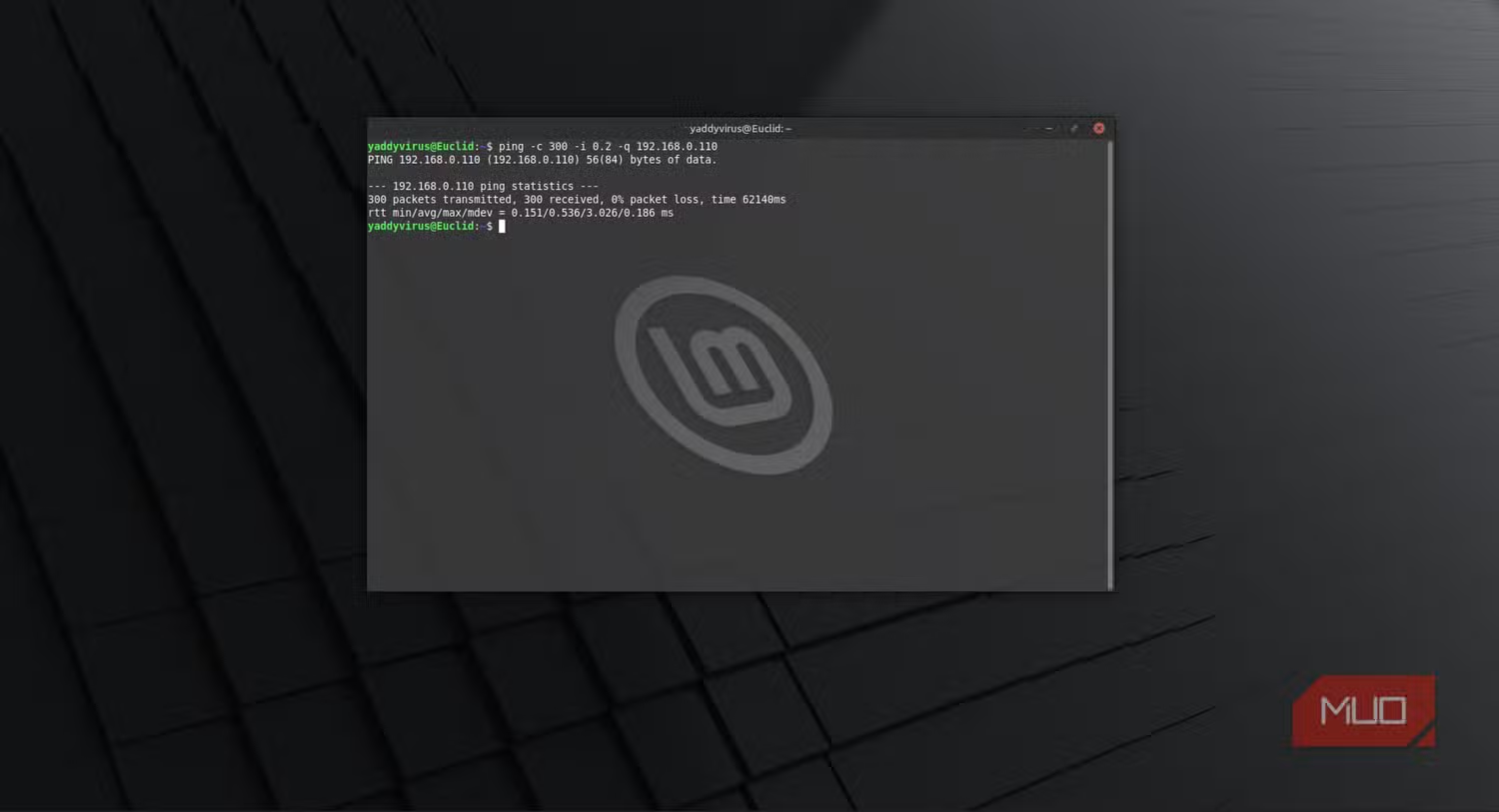
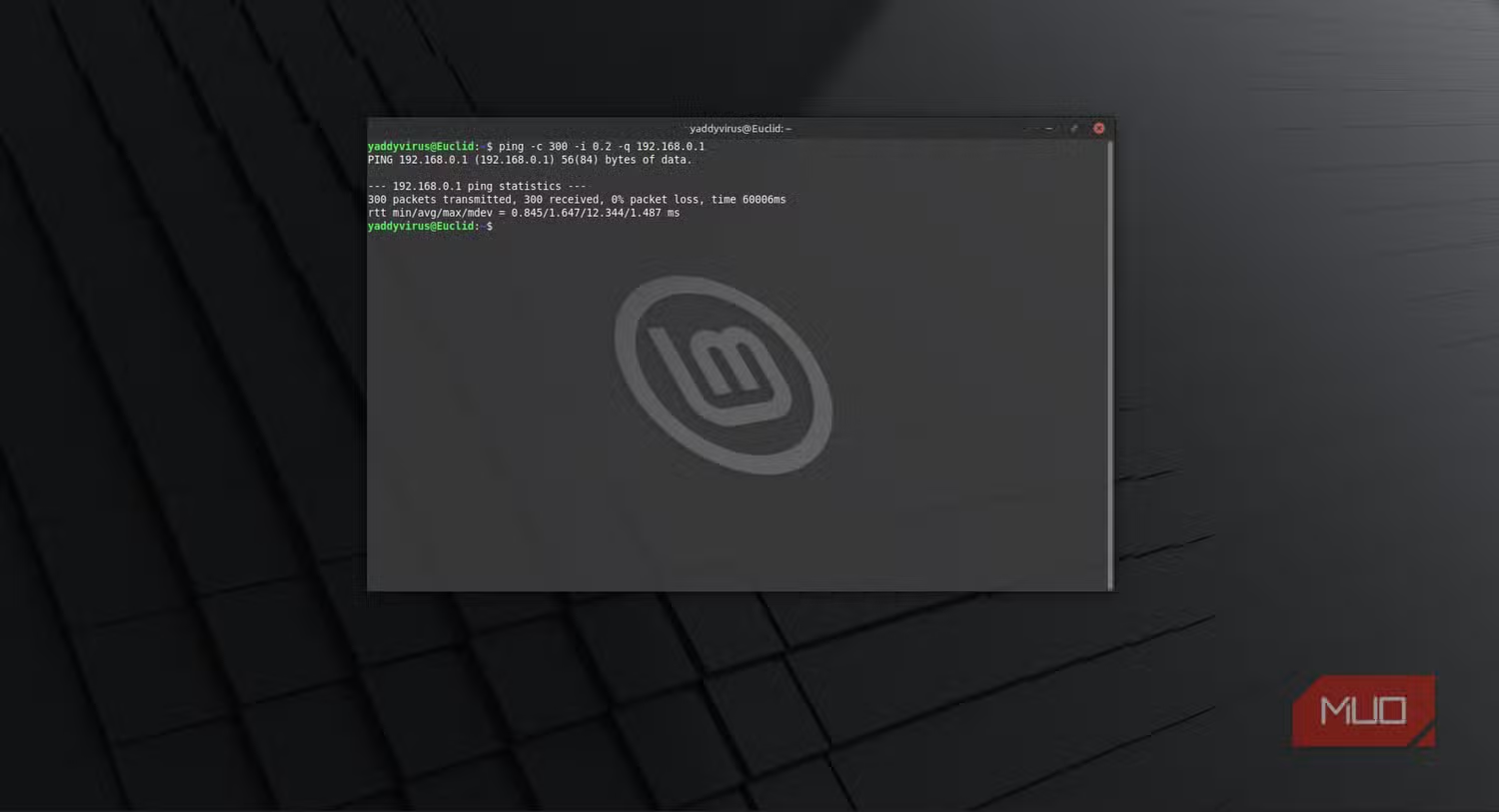
While checking the connection to my Home Assistant virtual machine, Claude found a problem. Pings from my work laptop took an average of 18 milliseconds, but sometimes jumped to 217 milliseconds. My home server, which runs the virtual machine, had an average of nine milliseconds, but its connection sometimes took as long as 110 milliseconds.
Claude again suggested connecting my home server to Ethernet and connecting the Home Assistant virtual machine through that wired connection. This would also fix a problem where the virtual machine lost its connection every time the home server's Wi-Fi disconnected.
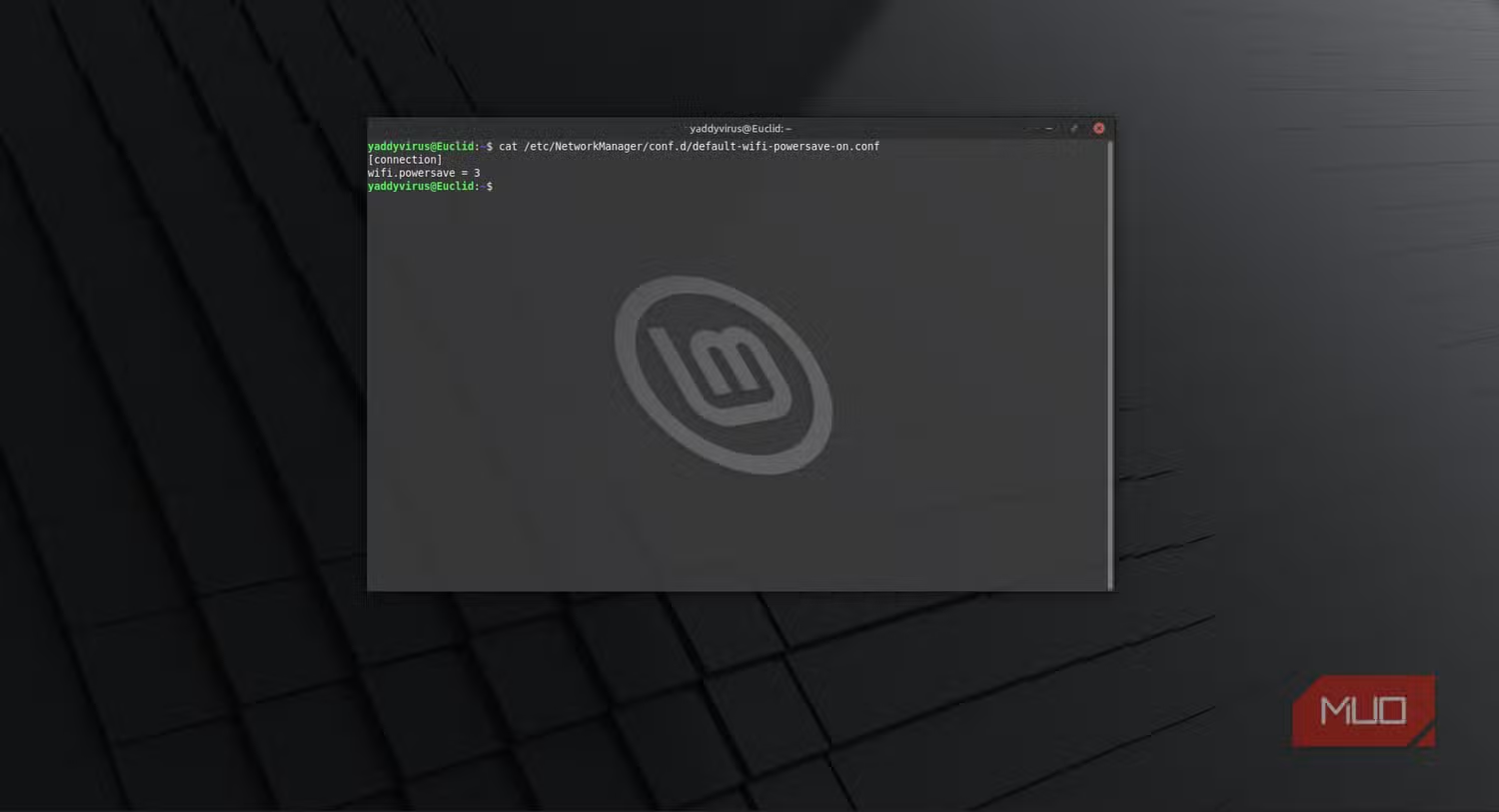
Claude also suggested turning off Wi-Fi power saving on the home server until I can install Ethernet cables. This is an idea to test, not a proven fix. In theory, it could reduce random connection drops because Linux sometimes puts the Wi-Fi card to sleep between short periods of network activity. However, Claude also pointed out that there was no proof that power saving was causing the random disconnections.
After scanning nearby wireless networks, Claude also made suggestions about my Wi-Fi channels. It suggested changing the 5 GHz network from channel 36 to channel 149, which had less interference from my neighbors' networks. For the 2.4 GHz network, it suggested using a 20 MHz channel width and testing channels 1 and 6 separately.
Not every AI suggestion is worth your evening
Following every suggestion from Claude would have cost me more than it saved
Not all of Claude's suggestions would have made a big difference. It suggested changing my DNS provider to Cloudflare's 1.1.1.1, but also said that I should not expect much, if any, improvement in speed. My internet provider's main DNS server usually answered in just two to three milliseconds, so there was little to gain.
Claude also made a mistake. At first, it reported that Technitium took between 70 and 1,200 milliseconds to look up domain names that were not already saved in its cache. I asked it to run a fairer test using 20 different domains. The results showed that Technitium's middle response time was about 25 milliseconds, roughly the same as my internet provider's DNS server. Claude then corrected its answer.
Speed was never a good reason to remove Technitium, or to keep it. Its main benefit is blocking unwanted content. However, my setup did not block any of the eight advertising domains in the test. To do that, I need to add blocklists. I should also connect my home server using Ethernet before making the whole house depend on it.
The security changes Claude suggested also needed careful thought. Turning on guest isolation on my router would have stopped me from controlling my 3D printers, smart lights, and Home Assistant. Changes to SSH could lock me out of my server. Setting up a firewall on the server would also require careful handling of the network ports published by Docker.
These are not changes that you can simply turn on and forget about. If I had followed every suggestion without checking it first, I would probably have had to spend the next few minutes fixing the problems I caused.
Claude gave me a plan, not a janitor
Don't expect your network to clean itself up just yet
Claude gave me something more useful than a list of networking tips. It explained which parts of my network were exposed to security risks, which parts were slow, and which problems still needed more testing. But following every suggestion without thinking could have caused more problems than it solved. In the end, Claude gave me a useful plan. It did not clean up my network by itself.
Now I have a clear idea of what to do next. Instead of changing settings one at a time and guessing whether each change helped, I have a plan for making improvements that I can measure and trust.